Calendar is your schedule in Kaer. Use it to place events, see task due dates next to meetings, and review events Kaer drafts for you before they are saved.
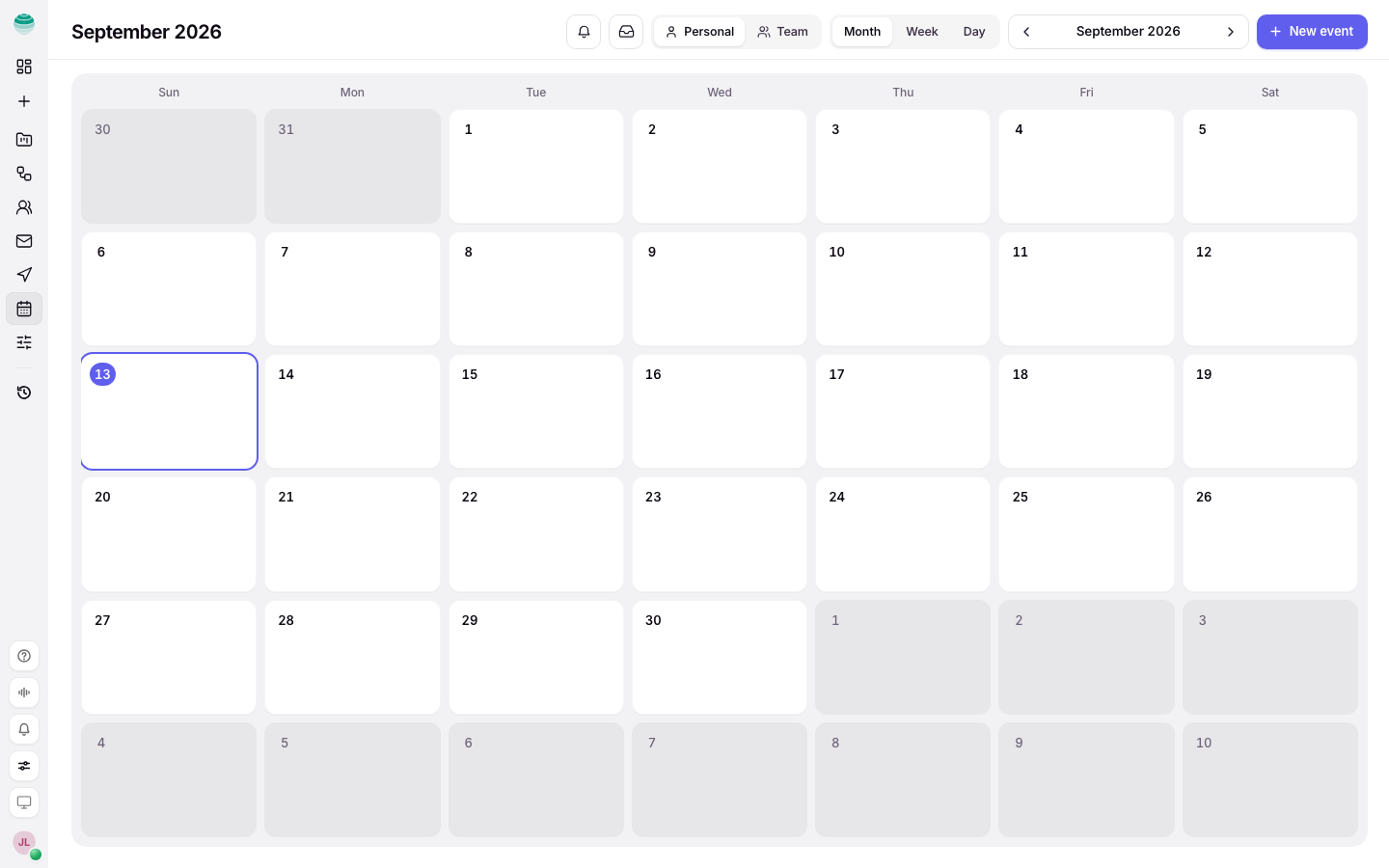
Before you begin
To see events from Google Calendar, connect it first. See Connectors. Without a connection, Calendar shows the events you create in Kaer and tasks with due dates.
Create an event
Start a new event
Choose New event.
Add a title and time
Type an Event title and set when it starts. Choose whether it repeats; the default is Does not repeat.
Add the details you need
Add a location, a Meeting link and participants by email (press Enter after each address). Add a description or a checklist if it helps.
Save it
Choose Create event, or press Cmd+Enter (Ctrl+Enter on Windows).
Edit, move or remove an event
- Open the event and choose Edit event. Make the change and choose Save changes.
- Drag an event to move it to a new time.
- Use Duplicate to copy it, or Download .ics to add it to another calendar app.
- Use Delete to remove it. Only events created in Kaer can be deleted here. Change Google Calendar events with Open in Google Calendar.
Ask Kaer to draft an event
Ask in Chat: "Find 30 minutes with Maya next week." Kaer drafts the event and opens it for you to review. Nothing is saved until you confirm it.
See tasks on your calendar
Tasks with a due date show here, marked From Tasks. Choose Mark done to complete one, or Open in Tasks to change it. Reschedule a task from the task itself. See Tasks.
Keep events pinned to the week
Choose Pin to this week on an event to keep it in Pinned events at the top of the week. Choose Unpin from this week to remove it.
Get around quickly
- Press T to go back to today.
- Choose Join meeting on an event with a meeting link.
Troubleshooting
My Google events are missing
Check Google Calendar is connected in Connectors. If the connection shows Not connected any more, connect it again.
Kaer cannot change my Google events
Kaer reads connected calendars by default. To let it edit them, turn on Enable Calendar editing on the Google Calendar connector.
I cannot delete an event
Only events created in Kaer can be deleted in Kaer. Delete Google Calendar events in Google Calendar.