Tasks is the list of work to do, in progress or done. Use it when a job needs a status, an owner or a due date, not only a chat thread. Tasks can be done by you, by a teammate or by Kaer.
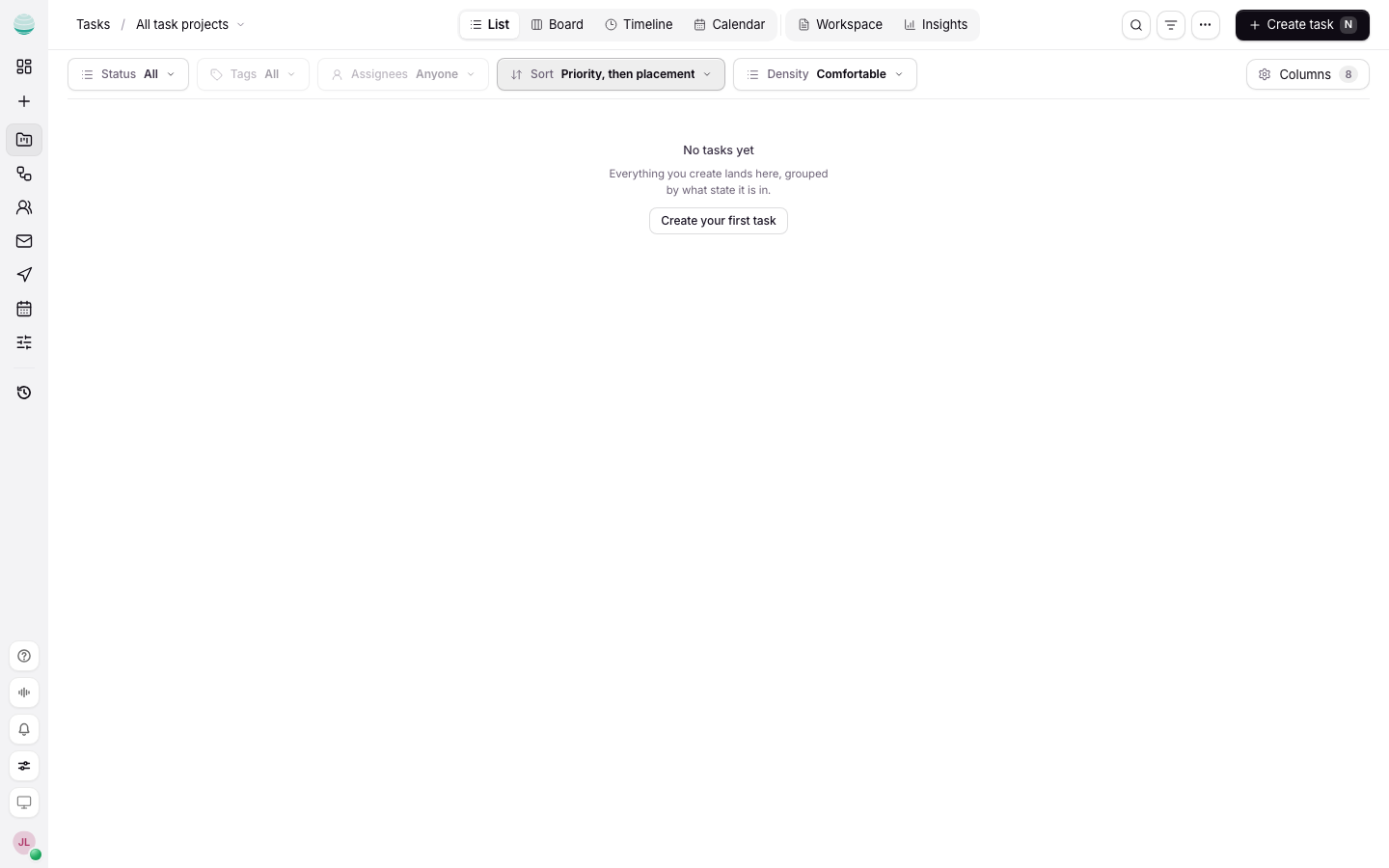
Choose what you see
The rail under Tasks has four lists:
| List | Shows |
|---|---|
| General | Every task across your projects that is assigned to you or that Kaer is doing |
| My tasks | Your tasks |
| Assigned tasks | Work assigned out |
| Completed tasks | Tasks that are done |
Each list can be shown as a Board, List, Calendar or Timeline. Use Search tasks to find one by name, and the filters to narrow by project, department or flag.
Create a task
Open Tasks
Choose Tasks in the rail.
Start a new task
Choose Create task, or Add task inside a column or phase.
Name it
Give it a title someone else would understand without the chat that led to it.
Add the details you have
Set the project, status, priority, due date and assignees. Add a description, tags or an estimate in hours if they help.
Update a task
Open the task to edit it. From the task detail you can:
- Change status as the work moves.
- Change priority and Change assignees.
- Add a subtask, comment or link.
- Link a GitHub issue or pull request, if the project has a repository.
- Set a Reminder.
- Copy link to this task to share it.
Comments stay on the task, so the discussion is not lost in Chat history. Mention a teammate with @ to notify them.
Hand a task to Kaer
A task can be done by Kaer as well as by a person. The General list includes tasks Kaer is doing. While Kaer works on a task, you can stop it from the task if it needs a change of direction.
See tasks on your calendar
Tasks with due dates can show in Calendar, marked From Tasks. Open one there and choose Open in Tasks to edit it. To show them by default, turn on the option in Tasks defaults.
How Tasks relates to Chat and Projects
A task can start in Chat and land here when you want it tracked. Projects group tasks for one client, launch or workstream. If you only have one job, a chat or a single task is enough.
Common questions
Who can edit a task?
That depends on the project. A project can limit editing to its lead, so some task details may be read-only for you.
Can I delete a task?
Yes. Open the task and use Delete task.