Kaer is easiest to learn by doing one real job. This page walks you through that first run: create an account, describe an outcome in Chat, review what comes back, and pick the next thing to set up. It takes about five minutes.
Before you begin
- An email address you can open, or a Google or GitHub account.
- One small, real job in mind. Something sitting in your inbox or on your list works better than a test prompt.
Do your first job
Sign in
Say what you do
If onboarding asks about you or your business, answer in a couple of lines: what you sell, how you price it, how you talk to customers. Kaer works from this context, so a little detail here saves repeating it later.
Describe the outcome
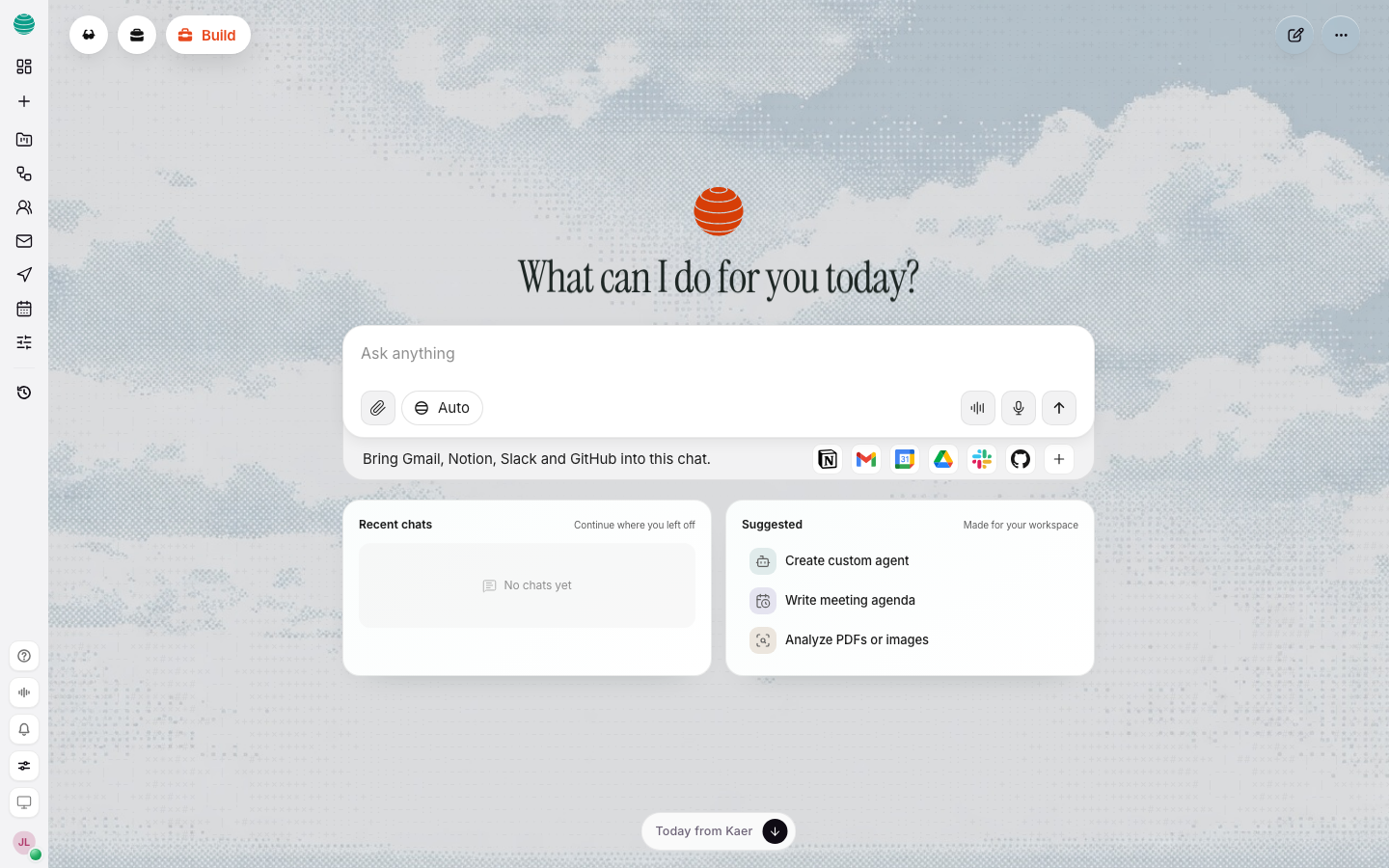
You land in Chat. Type what you want in plain language and press Enter. Name the outcome, not the steps: "Draft a one-page weekly update for the design team, calm tone."
Watch it work
Kaer shows its plan and does the work in the same thread. If it reaches a step with a consequence, such as sending a message, it stops and asks first.
Review and refine
Read the result. If it is close, ask for the change in the next message: "Shorter, and lead with the numbers." If it is wrong, say what is wrong. Stay in the same thread so Kaer keeps the context.
Write a request that works
A good first request names three things: the outcome, who it is for, and any limit.
| Weaker | Stronger |
|---|---|
| "Write something about our launch." | "Draft a 150-word launch note for existing customers. Friendly, no jargon." |
| "Help with my inbox." | "List the emails from this week that still need a reply, oldest first." |
| "Plan a trip." | "Find three hotels near King's Cross under £200 a night for 12 to 14 March." |
Decide what to set up next
You do not need everything on day one. Add the next piece when a job asks for it.
| If you want Kaer to... | Set up |
|---|---|
| Read and draft email | |
| Use your Google, Slack, Notion or GitHub accounts | Connectors |
| Work through websites, files or code on a real machine | Computer |
| Repeat a job on a schedule | Workflows, after you have done the job once by hand |
| Take on a role you use often | AI assistants |
Common questions
Do I need a card to start?
No. The free plan does not need a card. See Billing and credits for what each plan includes.
Will Kaer send anything without asking me?
Not on its own. Anything that sends, pays, publishes or changes something that matters waits for your approval. Email to anyone but you waits as a draft until you approve it.
What if the first result is wrong?
Say what is wrong in the next message. Kaer keeps the thread's context, so a correction is faster than starting again.