Maps is for places and journeys. Use it when a job has a location in it: a meeting point, a trip, a set of addresses, or somewhere to stay.
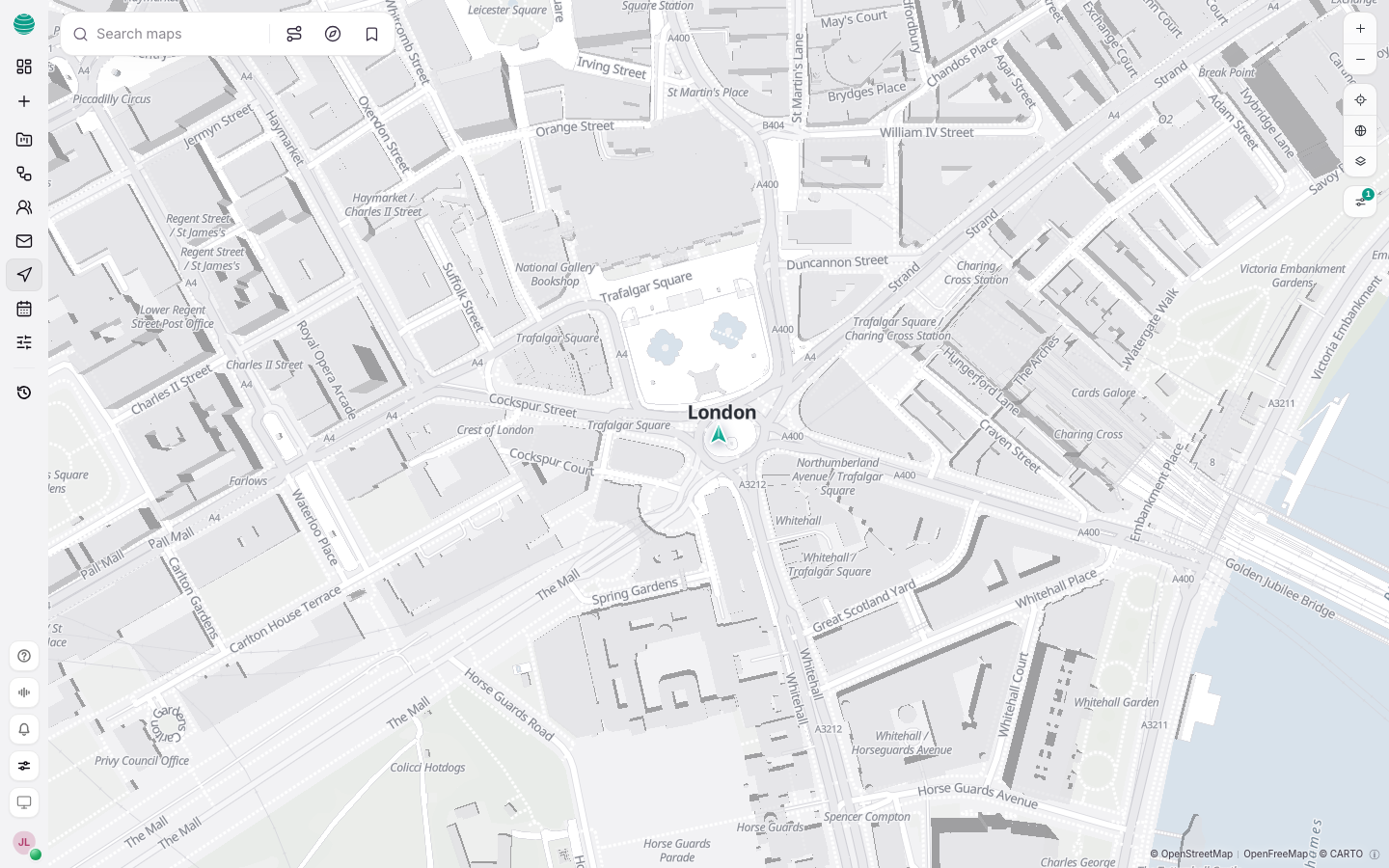
Search for a place
Type a place, address or business in Search maps and choose a result. To search around where you are, choose Use my location and allow your browser to share it.
Get directions
Open directions
Choose Directions.
Set both ends
Fill in Start and Destination. Use Swap start and destination to reverse the trip.
Pick how you travel
Choose a Travel mode. For driving, open Driving preferences to set what to avoid.
Compare the route
Read the travel time and the route on the map. Routes you have saved are listed under Saved routes.
Find what is nearby
Choose Find nearby to see places around the current point, such as somewhere to eat or stay.
Plan a trip from Chat
"Coffee shops near the office that are open at 8" or "Plan two days in Edinburgh from London" are Chat requests. When the reply includes a map, open it in Maps to inspect it on a full map and change the plan.
For flights, set Flight preferences, such as Direct flights only, before you compare options.
Common questions
Are travel times exact?
No. Routes and travel times are estimates. Confirm anything you would book.
Can Kaer book for me?
Anything that spends money waits for your approval. Check the details before you approve.