History is the archive of every conversation you have started with Kaer, plus your Computer sessions. Use it when you remember the work but not which thread it lived in.
Find a past chat
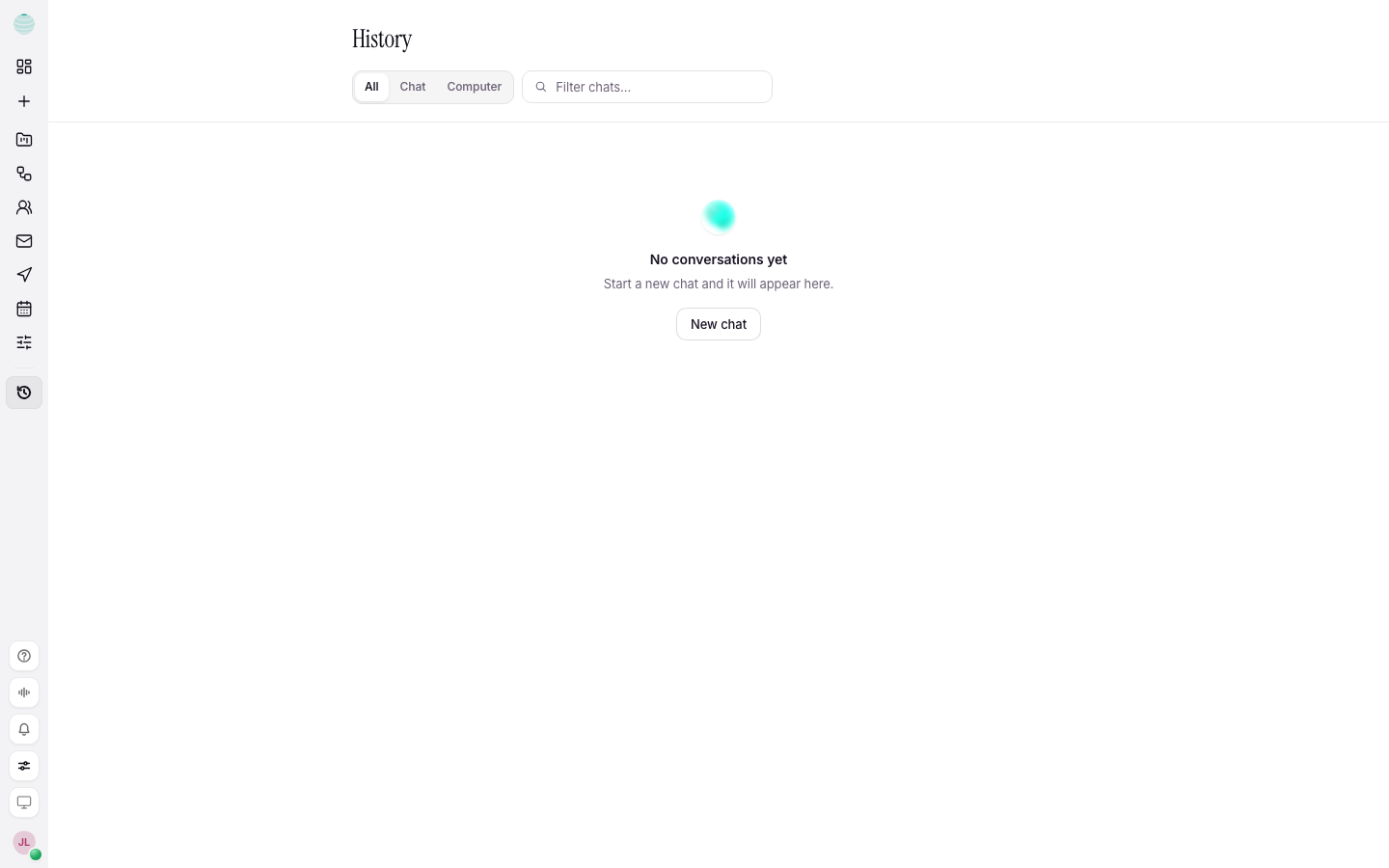
Open History
Choose History in the lower part of the rail.
Pick a scope
Use the tabs to narrow the list: All, Chat, Computer or Starred.
Filter by a word
Type in Filter chats… with a word from the title.
Look further back if needed
Only your most recent conversations are searched at first. Choose Show older conversations or Search older conversations to reach the rest.
Open it
Choose the row. You land in the original thread and can carry on where you left off.
Star a chat
Choose Star this chat on a row. Starred chats are pinned to the top and listed under Starred.
How History relates to your work
History is not a second copy. Each row is a door back into the original thread, so anything you add there is part of the live conversation.
Computer sessions appear under Computer once you run something on a machine. See Computer.
Common questions
How far back does History go?
History reaches every past conversation, not only the latest ones. Older chats load when you ask for them.
I cannot find a chat I just had
Check the scope tab is All, and clear the filter with Clear filter.