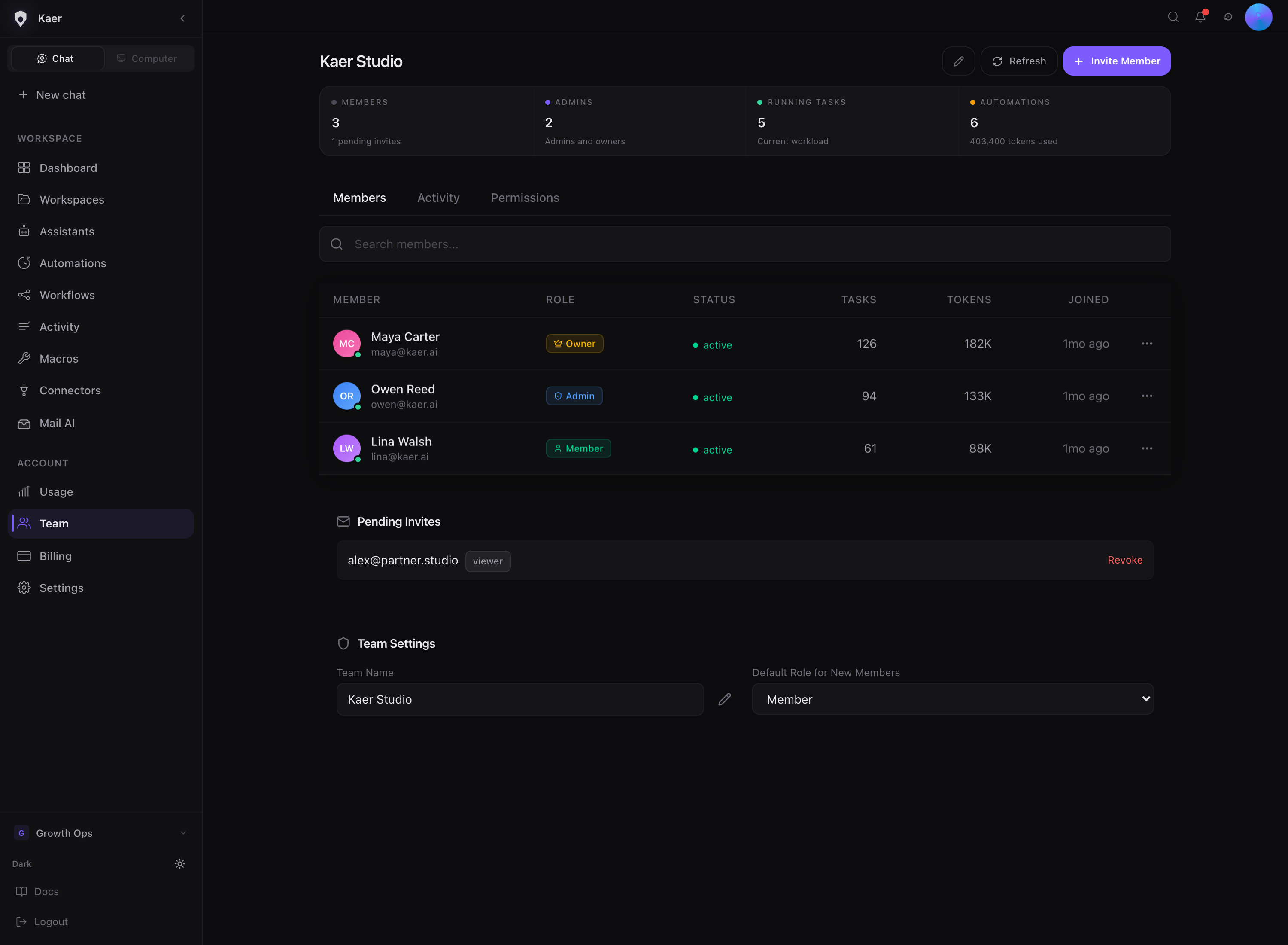
Team is who can open a workspace and what each person can do there. Invite the people you work with, give each a role, and remove access when they no longer need it.
Before you begin
- Inviting teammates is part of every paid plan. See Billing and credits.
- People are invited into a workspace, not an account. If you have no workspace yet, create one first.
- You need to be the workspace owner or an admin to invite and remove people.
Roles
| Role | Can |
|---|---|
| Owner | Owns the workspace and its billing. Cannot be changed or removed here |
| Admin | Everything except transferring ownership: invites, roles, billing |
| Member | Works in every area they are given. Cannot manage people or billing |
| Viewer | Reads the workspace. Makes no changes anywhere |
Invite someone
Open Users & Teams
Go to Settings → Users & Teams.
Enter their email
Under Invite people, type the address in Invite by email.
Pick a role
Choose Admin, Member or Viewer under Role.
Send it
The invite sends once the address is complete. It then shows under Pending invites until they accept.
What they receive depends on whether they already use Kaer:
- Already on Kaer: a link to join your workspace.
- New to Kaer: a personal invite to create their account.
They join with the sign-in method they already use. See Sign in.
Change a role or remove someone
- To change a role, choose the new role on their row.
- To remove someone, choose Remove on their row.
- To cancel an invite that has not been accepted, choose Revoke under Pending invites.
Removing someone does not delete their personal account.
Switch workspace
You can belong to several workspaces under one account. Pick one on Users & Teams or Workspaces to switch. Each workspace bills on its own plan.
Troubleshooting
I cannot see the invite box
Only the owner and admins can invite. Ask one of them, or ask the owner to make you an admin.
"That address is already in this workspace"
The person is already a member or has a pending invite. Check People and Pending invites.
Their invite never arrived
Ask them to check spam. If you typed the address wrong, Revoke the invite and send a new one.