A project groups the tasks for one client, launch or workstream. Use one when the same people, files and deadlines keep coming back, so the work stays together instead of spread across chats.
Create a project
Open the dashboard
Go to app.kaer.ai/app/dashboard. See Dashboard.
Name the project
On the Projects card, type a name in New project name….
Save it
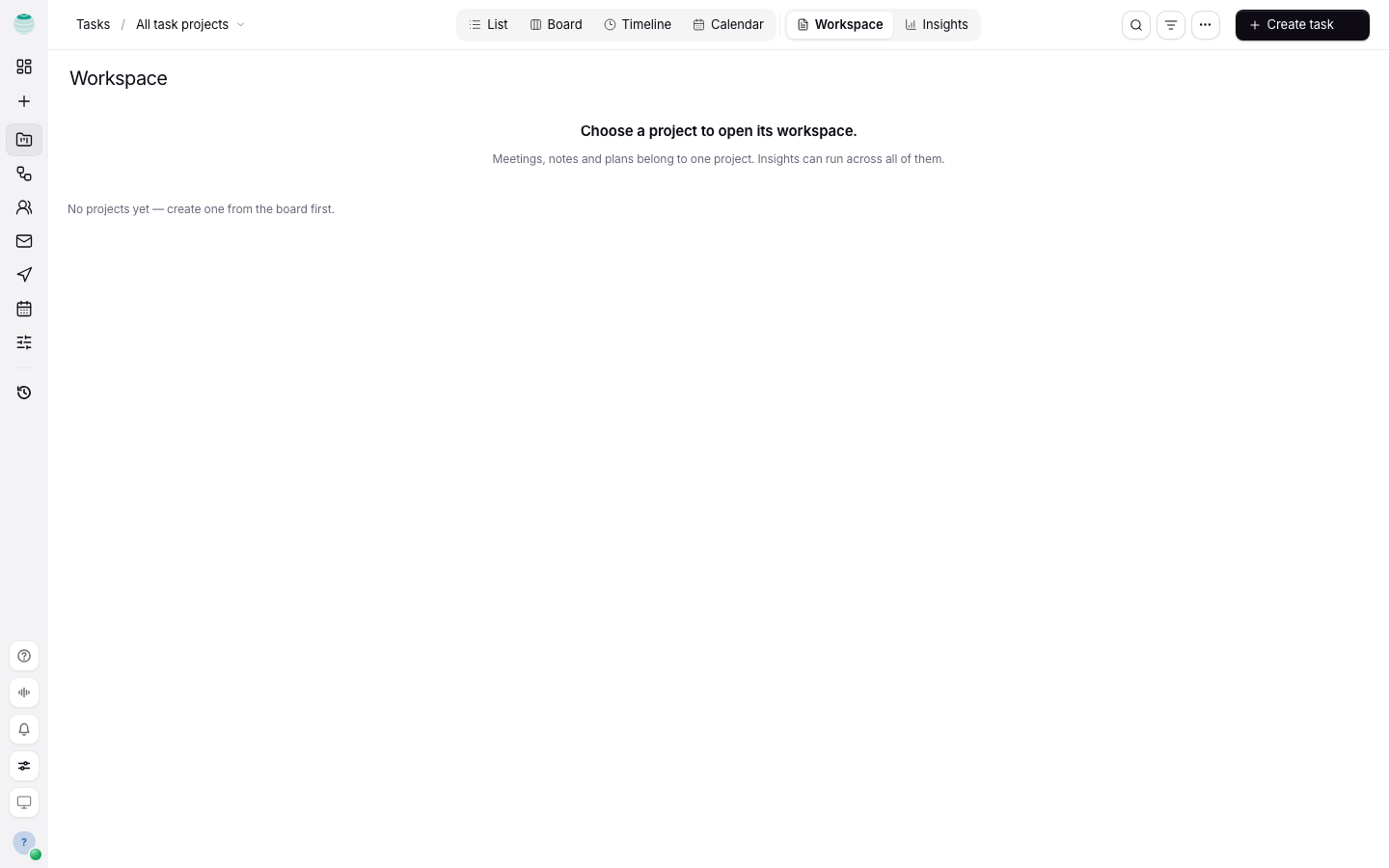
Press Enter. The project appears on the Tasks board.
Work in one project
- On the Tasks board, use the project filter to switch from All projects to the one you need.
- Add tasks to it with Create task. See Tasks.
- Organise its tasks with categories. Categories belong to one project, so create them per project with New category.
Decide who steers it
Each project can have a lead. The owner and admins steer the board. Turn on Lead-only editing when only the lead should change task details; everyone else can still read them.
What belongs in a project
- Tasks that are about this piece of work
- The people who work on it
- Its repository, if it has one, so you can link GitHub issues and pull requests to tasks
Do not put unrelated jobs in the same project. Split when the audience or the deadline is different.
Common questions
Why is an app from Build on my board?
An app being built in Build shares the same board as your other projects. Choose Open in Build to go back to it. See Computer for machine-based work.
Do I need a project to create a task?
No. Kaer keeps loose tasks together for you. Create a project when the work grows past a handful of tasks.